

Quick Answer
If a senior with hearing loss is missing medical alert watch alerts, the most common reason is that the watch relies only on a soft tone that is easy to miss, especially without hearing aids. You can make it safer right away by adding strong vibration, a loud caregiver receiver in a central spot, and a visual backup like a flashing light or phone notification, and by making sure the watch is worn consistently and charged daily.
Why This Happens
Most medical alert watches use a high pitched beep or spoken prompt. Age related hearing loss often reduces sensitivity to higher frequencies first, so a tone that sounds clear to a caregiver may be faint or completely unheard by the senior wearing it.
Sound alone is also unreliable when hearing aids are out. Many seniors remove hearing aids at night, in the bathroom, or when they are uncomfortable, which is exactly when a fall or urgent need is more likely. If the only signal is sound, the alert can be missed at a critical moment.
Another common issue is where the alert goes. A watch that only alerts the wearer does not help if that person cannot hear it and cannot call for help verbally. Without a second receiver that notifies a nearby caregiver with loud sound, vibration and light, there is no backup loop to confirm help is coming.
Fit and routine matter too. A watch left on a nightstand to charge, worn too loosely to feel vibration, or paired with a low volume setting will not be noticed. For seniors who want to age in place safely, a setup that depends on hearing alone is often not enough on its own without added cues.
Practical Steps to Try
Try these steps in order, starting with the simplest changes. Check with the senior about what they can feel and see most easily, and make one change at a time so you know what helps.
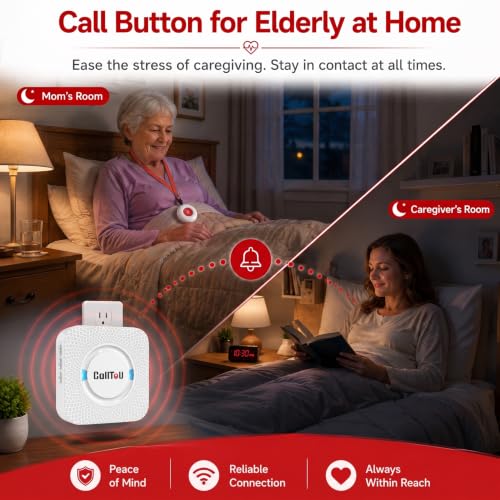
- Add vibration and visual cues, not just sound. If the watch or system allows it, turn on vibration for every alert. Pair it with a plug in caregiver receiver that offers both a very loud tone and a flashing light, so the alert is felt and seen as well as heard. Place that receiver where the caregiver spends the most time, such as the kitchen or living room, and keep a second one in the bedroom for overnight coverage.
- Choose the most noticeable sound and volume. For hearing loss, lower pitched, steady tones are often easier to notice than high, short chirps. If the system offers multiple ringtones, have the senior listen with hearing aids in and choose the one that is clearest, then set volume to the highest comfortable level. Keep the receiver off mute and plugged in, and avoid placing it behind furniture where sound is muffled.
- Create a visual and phone backup. Many caregiver pager systems can send a push notification to a phone through WiFi in addition to sounding the receiver. Enable that if available, and keep the phone on vibrate and with screen brightness up. You can also place the receiver near a lamp or use a smart plug with a light that the caregiver will notice, so a missed sound still has a visual signal. For ideas on visual alerts in other parts of the home, see this guide on best package delivery box for elderly with hearing loss.
- Build a consistent wear and charge routine. Keep the watch on the dominant wrist with a snug but comfortable fit so vibration is felt. Create a simple daily habit, such as charging during a morning routine at the table while the senior is seated nearby, then putting it right back on. Put a small reminder card near the charger and keep the charger in one visible place, not in a drawer.
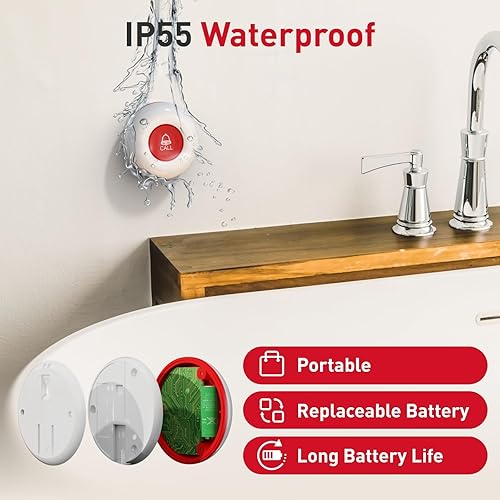
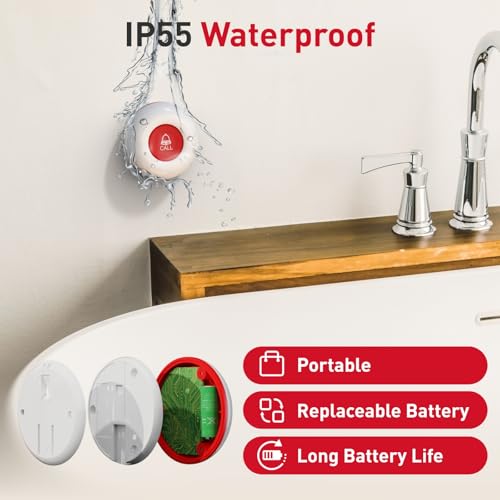
- Extend coverage beyond the wrist. A watch alone is easy to miss if the senior is in bed or the bathroom without it. Add a waterproof call button in the bathroom and at the bedside that sends the same alert to the caregiver receiver. Show the senior how to press and hold for one second, practice once together during the day, and confirm the caregiver receiver lights up and vibrates when pressed. For broader home monitoring, you may also want to explore options in Smart Alerts & Monitoring and Smart Home for Seniors.
After each change, do a calm daytime walk through. Have the senior press the watch or button from the bedroom and bathroom while the caregiver listens and watches for the receiver in another room. If the alert is still easy to miss, try a different tone or move the receiver closer to where the caregiver will be.
When a Product Can Help
A home fix is sometimes not enough when the watch only makes a quiet sound and has no way to notify someone else nearby. In that case, a dedicated caregiver pager system with a loud, adjustable receiver, vibration, and a simple one press button can be a practical next step to add a backup layer that does not depend on the senior hearing the watch at all.
This guide contains affiliate links, and we may earn a commission if you buy through them, at no extra cost to you.

Prime CallToU Caregiver Pager Wireless Call Button









As an Amazon Associate we earn from qualifying purchases. Product prices and availability are accurate as of the date/time indicated.
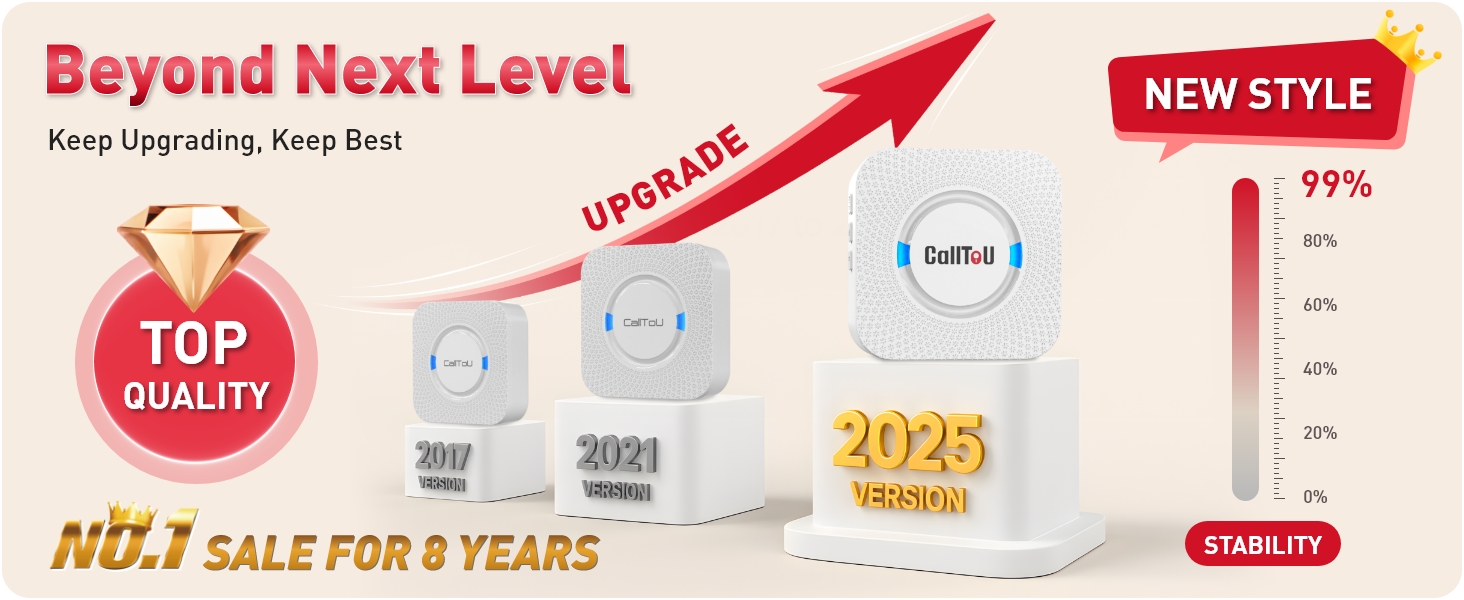
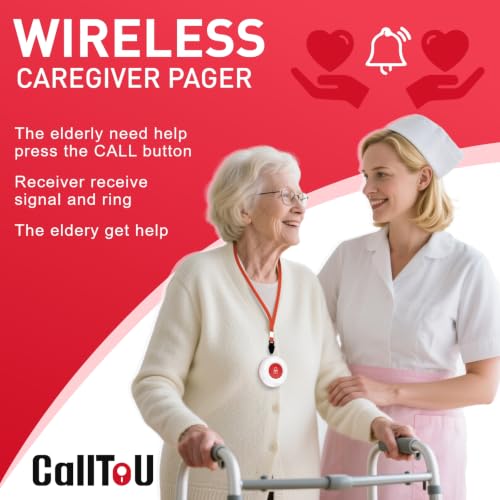
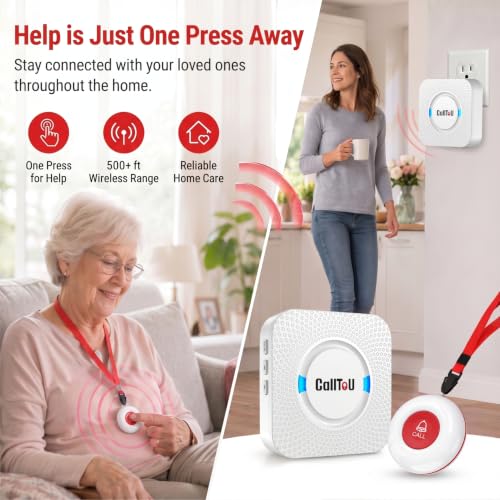
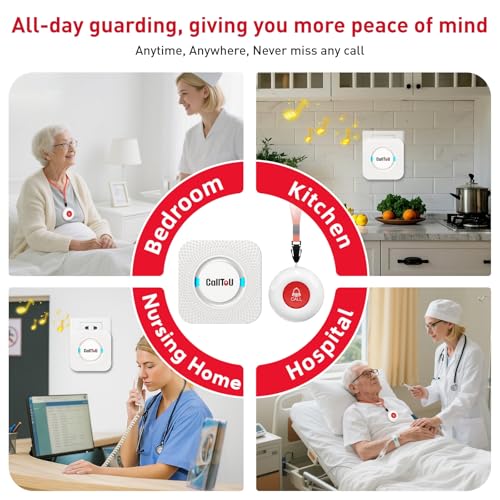
The CallToU Caregiver Pager Wireless Call Button Nurse system, for example, is described as offering a plug in receiver with 55 ringtones and adjustable volume up to 110 dB, plus a wearable call button that can be hung as a pendant or mounted with a bracket. That combination may help reduce the risk of a missed alert because the caregiver gets a loud, noticeable signal in another room, rather than relying only on the senior hearing the watch itself.
When to Talk to a Professional Instead
A louder watch or pager is not the right answer for every situation, and this setup is not ideal for a senior with profound hearing loss who cannot hear or feel alerts consistently, or who lives alone without a nearby caregiver to respond. If alerts are missed even after adding vibration and visual backup, or if the senior has frequent falls, confusion, or difficulty pressing a small button, it is time to pause home adjustments and seek professional guidance.
Talk with an audiologist about hearing aid fit, assistive listening options, and the best alert type for the senior’s specific hearing profile. For safety planning, always check with a physician, audiologist, or healthcare provider before making changes that affect how a senior gets help in an emergency, especially if you are considering moving from a watch only setup to a monitored system.
This product based approach is also not recommended for seniors who need 24 hour professional monitoring or who have medical needs that require a supervised response center. In those cases, a healthcare provider can help you evaluate whether an in home caregiver plan or a monitored medical alert service is more appropriate than a standalone pager.
Frequently Asked Questions
Can a senior with hearing loss rely on a medical alert watch alone?
Often a watch alone is not enough if alerts are sound only. A safer approach pairs the watch with a caregiver receiver that provides loud sound, vibration and a visual indicator, so help is still notified even if the wearer does not hear the tone.
What if the senior takes hearing aids out at night and misses alerts?
Plan for that routine. Keep a large, easy to press call button at the bedside and in the bathroom, and keep the caregiver receiver in the bedroom overnight on high volume and vibration. A vibrating watch band plus a flashing receiver light can help bridge the gap when hearing aids are out.
How can I confirm the alert was actually received?
Choose a system where the caregiver receiver gives clear feedback, such as a persistent flashing light and tone until acknowledged. Practice a daytime check where the senior presses the button and the caregiver confirms they see and hear the alert, then establish a simple callback routine so the senior knows help is on the way.
Browse more picks in our Smart Alerts & Monitoring category, or see our related guide on Large Display Doorbells for Stroke Recovery in 2026.



Write Your Review
No reviews yet. Be the first to share your experience!