

Quick Answer
If your smart plug for elderly use is not working well for a senior with osteoporosis, the most common cause is not the plug itself but WiFi, app pairing, or voice control setup. Check that the plug is on a stable 2.4GHz WiFi network, that it is correctly linked in its app and to Alexa or Google Assistant, and that it has a simple name like “lamp” for voice commands. Simplifying control and placement often helps more than buying a new device right away.
Why This Happens
Most smart plugs only work on 2.4GHz WiFi, and many homes now use a combined 2.4GHz and 5GHz network. If the plug was connected to the wrong band, is too far from the router, or the signal is blocked by walls, it may show as offline, respond slowly, or need frequent re-pairing. Always check with a healthcare provider or occupational therapist before making mobility or home safety changes for a senior with osteoporosis in your care.
App setup is another frequent issue. Some plugs require you to connect first in the manufacturer’s app, then link that app to Alexa or Google Home, and caregivers often try to link directly to the voice assistant. If that link is incomplete, voice commands will not work even though the plug shows as connected in its own app. Using multiple apps for different brands can also add confusion.
For a senior with osteoporosis, physical access matters as much as the technology. Plugs placed low on the wall behind furniture require bending, reaching, or kneeling, which can be uncomfortable and may increase strain. If the plug has a small button that needs firm pressing, or if the outlet is hard to reach, the senior may avoid using it altogether. A setup that relies on voice or schedules may help reduce the need to reach the outlet.
Scheduling and device mismatch can also make a plug seem unreliable. A timer that was set incorrectly may turn a lamp off at the wrong time, or a plug may be used with a device that has its own power switch that was left off. For ideas on choosing monitoring that is easier to manage day to day, you may find this guide to best security camera for elderly with osteoporosis helpful for comparing simple, caregiver-friendly options.
Practical Steps to Try
- Confirm WiFi and power. Check that your phone is on the 2.4GHz network when you set up the plug, and place the plug within good range of the router. Try unplugging the plug for 10 seconds, then plugging it back in, and check that the outlet itself has power by plugging in a lamp directly. If you use a mesh system, try keeping the plug and phone on the same node during setup.
- Reconnect and rename in the app. Open the plug’s app, remove the device if it shows offline, and add it again following the prompts. Give it a short, clear name like “bedroom lamp” or “fan” that is easy to say and remember. After renaming, check that you can turn it on and off from the app while you are in another room.
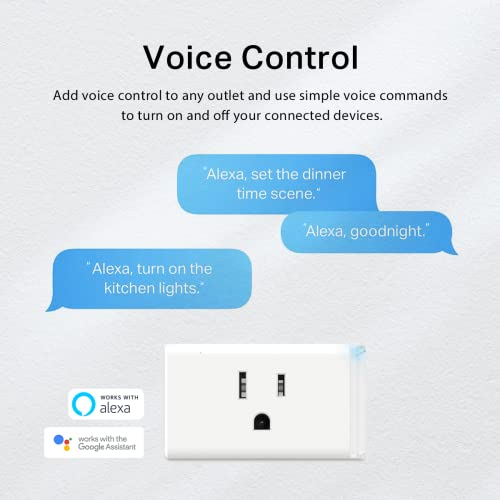
- Link voice control with a simple routine. In the Alexa or Google Home app, check that the plug’s app account is linked and the device appears. Try a simple command such as “Alexa, turn on bedroom lamp.” One common option is to create a routine like “Alexa, good night” that turns off several plugs at once, so the senior does not need to remember multiple names.
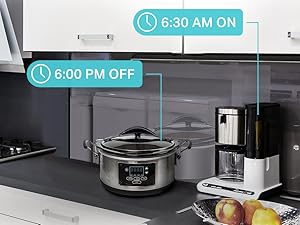
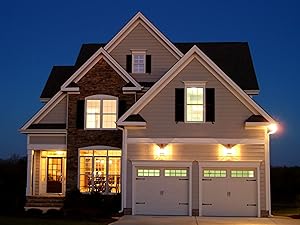
- Use schedules so manual control is rarely needed. Set a timer or schedule in the app for lights to turn on at dusk and off at bedtime, or for a humidifier or fan to run for a set period. Check the schedule for AM and PM errors and for any random or vacation mode that may have been turned on by mistake. This automation may help reduce repeated bending or reaching.
- Make the outlet easier and safer to access. If the outlet is low or behind furniture, try a short, UL listed extension cord or power strip placed where it can be reached without bending, and secure cords along the wall to avoid trip hazards. Keep the plug’s manual button accessible for caregivers, but encourage voice or app control for daily use. For broader home automation ideas, see ADA smart thermostats for seniors aging in place and explore options in Voice Assistants & Automation.
When a Product Can Help
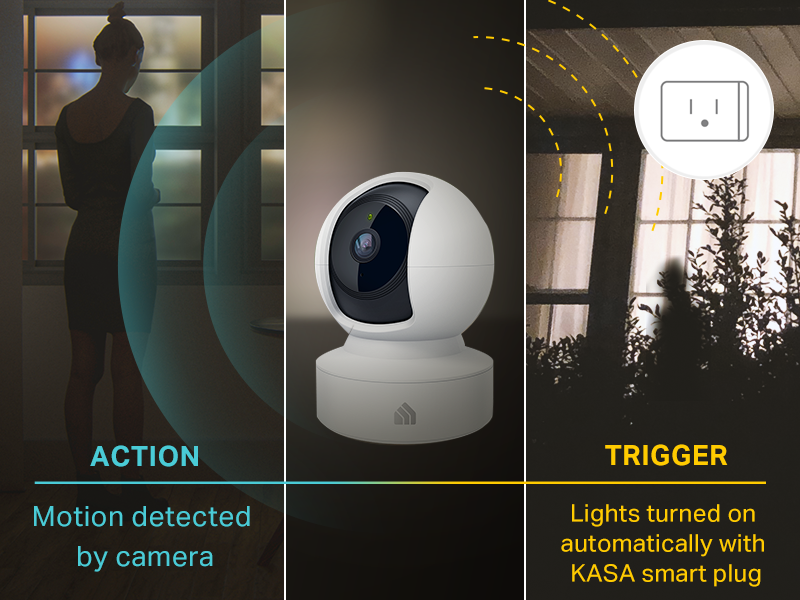
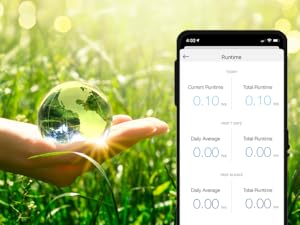
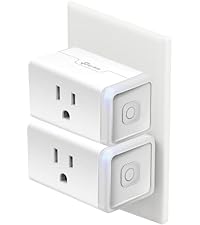
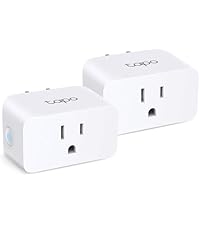
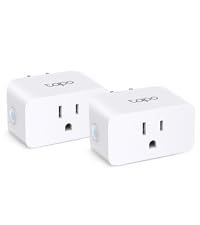
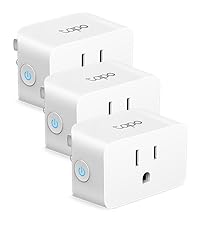
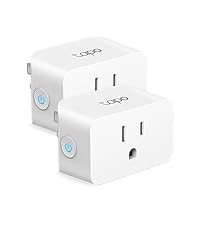
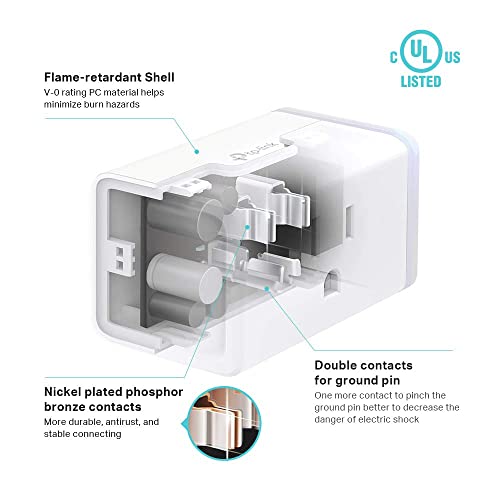
A product can help when your current plug often shows offline, needs frequent re-pairing, or does not work smoothly with the voice assistant your senior already uses. In those cases, one common option is a plug that is rated for standard household loads, supports app control from anywhere, offers scheduling and voice control through Alexa or Google Assistant, and is designed for simple setup on 2.4GHz WiFi. The Kasa Smart Plug HS103P2, Wi-Fi Outlet Works, for example, is described as offering voice control, remote control via the Kasa app, timer and countdown scheduling, and a side button to toggle power, with UL certification for safety use.
This guide contains affiliate links, and we may earn a commission if you buy through them, at no extra cost to you.

Prime Kasa Smart Plug HS103P2 2-Pack









As an Amazon Associate we earn from qualifying purchases. Product prices and availability are accurate as of the date/time indicated.
When to Talk to a Professional Instead
If the senior is experiencing new unsteadiness, frequent near-falls when reaching for outlets or cords, or pain with movement, focus on the home setup and daily routine rather than only the plug. A healthcare provider, physician, or physical therapist can review safe movement strategies and whether reaching, bending, or getting up at night to adjust devices should be changed.
A smart plug is not ideal for situations where the main concern is fall risk, fracture risk, or the need for hands-on support with mobility. It also is not a good fit if the senior needs constant supervision, has cords that create trip hazards that cannot be secured, or lives in a home with unreliable WiFi that cannot be improved. In those cases, a professional can suggest safer lighting, outlet placement, or monitoring approaches that do not rely on the senior to operate a plug.
If you are unsure whether automation is enough on its own, try to consult an occupational therapist about reachable, clutter-free control locations and consistent lighting. You can also review entry and monitoring options in Smart Locks & Entry to see what may help reduce the need to get up frequently.
Frequently Asked Questions
Why does my smart plug keep going offline for my elderly parent?
Offline status is often related to WiFi band or signal strength, not the plug’s hardware. Check that it is on 2.4GHz, move it closer to the router if possible, and restart both the router and the plug. If it still drops, try re-adding it in its app and relinking the voice assistant.
What helps if a senior with osteoporosis cannot easily reach the outlet?
Try voice control with a simple device name and schedules so the plug works automatically without daily button presses. If you must use a cord to raise the outlet height, use a short, certified cord and secure it flat against the wall to help keep walkways clear.
Do I need a hub for a smart plug to work with Alexa or Google Home?
Many WiFi plugs work without a hub and connect directly through their app and then to Alexa or Google Home. Check the product description to confirm it lists compatibility with your assistant and requires only 2.4GHz WiFi. If your home uses a Matter setup, that specific system may require a compatible controller.
Browse more picks in our Smart Alerts & Monitoring category, or see our related guide on Large Display Doorbells for Stroke Recovery in 2026.







Write Your Review
No reviews yet. Be the first to share your experience!