

Quick Answer
If your smart plug for elderly not working well for a senior with knee replacement, start with the simplest causes first: weak Wi-Fi, an app or voice assistant that lost connection, or an outlet that is hard to reach while bending or standing is painful. Try moving the plug closer to the router, confirming the 2.4 GHz network, and checking that the lamp or device still has its own physical switch turned on, then consider a simpler remote style control if voice or app steps feel too complex.
Why This Happens
Smart plugs often rely on a steady 2.4 GHz Wi-Fi connection and a linked app or voice assistant. After a power outage, router restart, or app update, the plug may disconnect and need to be reconnected, which can look like the plug itself has failed.
For a senior recovering from knee replacement, even a working smart plug can feel like it is not working well if it requires bending to reach a low outlet, remembering exact voice phrases, or using a small phone screen while standing. Pain, stiffness, and limited mobility can make any extra step frustrating. Always check with a physician, physical therapist, or healthcare provider before making changes that affect mobility or daily safety at home.
Other common causes include the plugged-in device itself, not the smart plug. Many lamps, fans, and heaters have their own power button that must stay on for the smart plug to control them. If that button was bumped off, the smart plug cannot turn the device on even when the app says it is on.
You may also find that a smart plug that needs a hub, frequent updates, or precise voice commands is simply not matched to the senior’s comfort with technology or to the home layout. A plug that blocks the second outlet or sits behind furniture can also be hard to use consistently. For broader monitoring options during recovery, you can explore the Smart Alerts & Monitoring category for ideas that complement simple outlet control.
Practical Steps to Try
Try these steps in order, easiest first, and pause if anything requires bending, reaching, or balancing that feels unsteady.
- Confirm the device switch is on. Leave the lamp or fan’s own button in the on position, then use the app or voice command to toggle the smart plug. If the device has a dimmer or electronic touch control, it may not be compatible with a simple on and off plug.
- Check Wi-Fi and power. Make sure the router is on, the plug is firmly seated in the outlet, and your phone is on the same 2.4 GHz network the plug uses. Many plugs will not connect on 5 GHz. Unplug the smart plug for 10 seconds, plug it back in, and check if the app shows it as online.
- Simplify voice control. If you use Alexa or Google Assistant, try a short, consistent phrase like “turn on living room lamp” and confirm the plug is named clearly in the app. Remove extra words or duplicate names that can confuse the assistant. You can also try the app button directly to see if the issue is voice recognition or the connection.
- Improve placement and reach. Move the plug to an outlet that does not require bending low or reaching behind furniture. A short extension with proper safety ratings or relocating the lamp to a table at waist height may help reduce the need to bend during knee recovery. Avoid running cords across walking paths.
- Consider a non-Wi-Fi alternative for key lights. If Wi-Fi is spotty or app steps are too much, one common option is to try a plug that uses a simple handheld remote instead of Wi-Fi and voice. This can be especially helpful for bedside lamps where a tap on a remote on the nightstand is easier than a phone or voice command.
When a Product Can Help
A product may help when Wi-Fi is unreliable, voice commands are hard to remember, or getting to the outlet is painful after surgery. In those cases, a plug that does not depend on an app or internet and can be controlled from a seated position may help reduce the need to bend or stand.
This guide contains affiliate links, and we may earn a commission if you buy through them, at no extra cost to you.
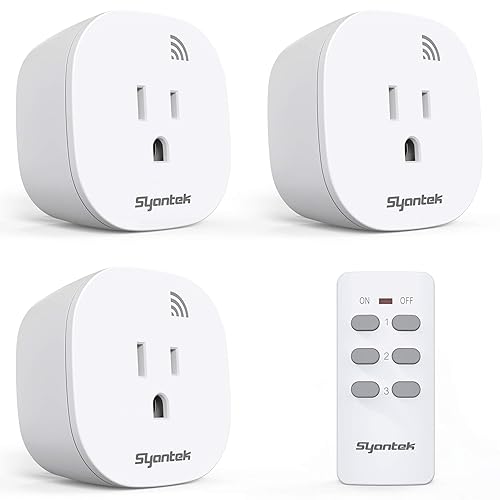
Prime Syantek Remote Control Outlet Kit 3 Outlets + 1





As an Amazon Associate we earn from qualifying purchases. Product prices and availability are accurate as of the date/time indicated.
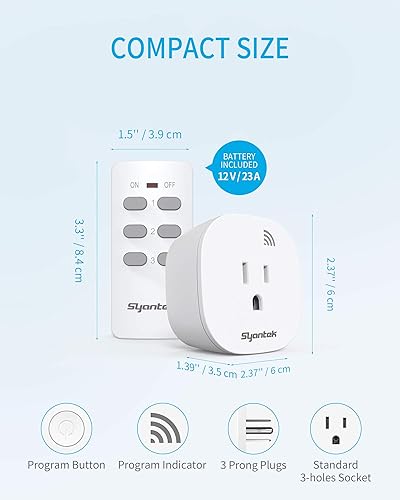
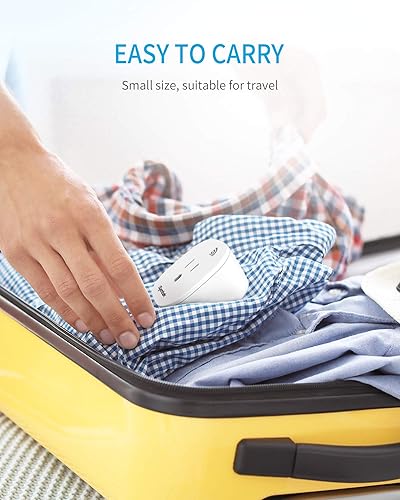
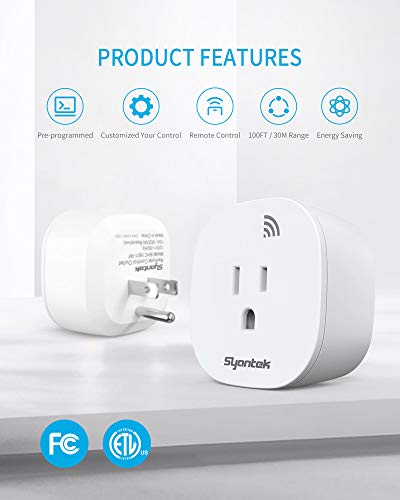
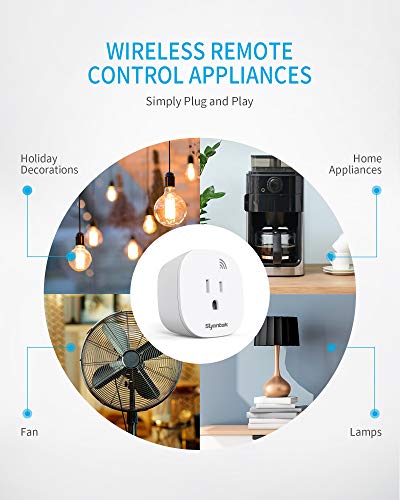
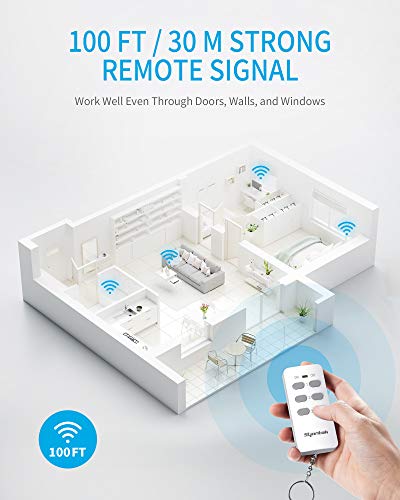
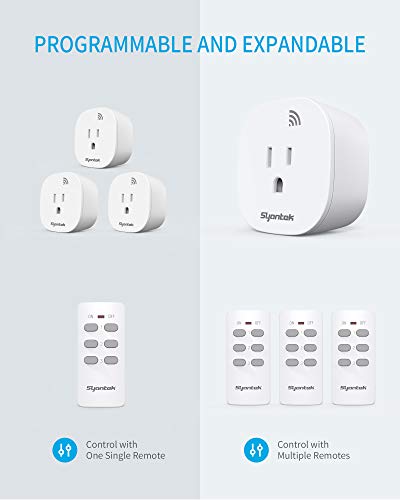
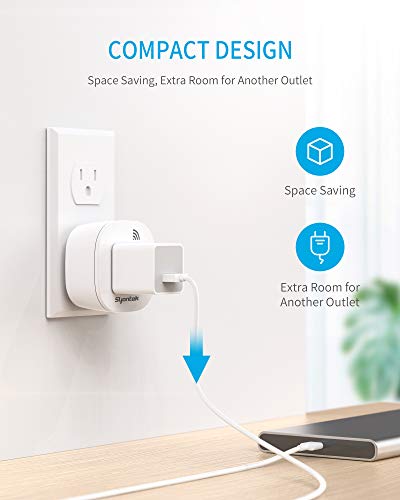
The Syantek Remote Control Outlet Wireless Light is one practical option to consider because, according to its description, it uses a wireless remote with up to a 100 foot range through walls and doors, works without Wi-Fi or a hub, and is designed to be compact so it leaves the second outlet free. Its features also note programmable and expandable control and that it remains off after a power cut, which caregivers often look for when supporting a senior with limited mobility. For entry areas where bending is also an issue, you may also want to review best smart lock for seniors with knee replacement for complementary ideas.
When to Talk to a Professional Instead
A smart plug, even when it works perfectly, does not address fall risk, pain with standing, or overall safety during knee replacement recovery. If the senior is feeling unsteady, is avoiding lights because controls are hard to reach, or is bending and twisting in ways that cause discomfort, that is a good time to pause and get guidance.
A remote control plug is not ideal for situations where the home has underlying safety concerns, such as frequent near-falls, poor lighting in hallways and bathrooms, or a need for hands-free help at night. It is also not a good fit if the senior needs monitored support or has medical questions about how much activity is safe. In those cases, talk with a doctor, physical therapist, or occupational therapist about safer lighting, outlet placement, and daily routines, and consider additional supports like motion sensing lights or a security camera for balance issues that may help family stay aware without adding complexity.
Frequently Asked Questions
Why does my smart plug show as offline or not responding?
Most often the plug lost its Wi-Fi connection after a router restart, Wi-Fi outage, or app update. Try confirming you are on 2.4 GHz, reseating the plug, and following the app’s reconnect steps without moving the plug to a hard-to-reach spot.
What helps if voice control is too hard for a senior after knee replacement?
Try shortening the device name in the app to something simple, using the app button instead of voice, or switching a key lamp to a handheld remote plug that works with a single press from bed or chair. Keep the remote in a consistent, easy-to-reach place.
Can a smart plug help reduce bending and reaching after surgery?
A plug that allows control from a seated position may help reduce the need to bend to a low outlet, but it does not replace safe furniture layout, clear paths, and good lighting. If bending still causes pain or unsteadiness, check with a healthcare provider about safer ways to set up daily tasks during recovery.
Browse more picks in our Smart Alerts & Monitoring category, or see our related guide on Large Display Doorbells for Stroke Recovery in 2026.






Write Your Review
No reviews yet. Be the first to share your experience!