

Quick Answer
If your smart lock for seniors is not working well for a senior with hearing loss, the most common reason is that the lock depends on beeps, chimes, or voice prompts that are easy to miss.
You may help the situation quickly by shifting confirmation to something you can see or feel, like a light, a phone notification, or a clear keypad response.
Try adjusting the lock settings, enabling visual indicators and app alerts, and choosing a simple code entry method before you decide to replace the hardware.
Why This Happens
Most smart locks confirm actions with sound. A successful code, a lock or unlock event, and a low battery warning often use a short beep or tone.
If hearing is reduced, especially for higher pitched tones, those cues may be missed even when the lock is working as designed. The door may be locked, but the senior does not hear the confirmation.
Keypad feedback can also be hard to notice. Some locks use a soft click or brief tone for each button press, and the volume may be low by default or set to silent mode.
For someone who uses hearing aids, background noise or distance from the door can make those sounds even less noticeable. A tone that seems clear up close may be lost in a hallway.
Visual signals are often overlooked. Many locks have a small LED that flashes green for success or red for low battery, but it may be dim, brief, or placed where glare makes it hard to see.
If you are mainly listening for a beep, you may not notice the light that is already trying to help. For ideas on visual friendly designs, you may find this guide to smart locks for seniors with low vision helpful for choosing cues you can see.
Phone alerts may not be set up yet. Without app notifications, a caregiver may not know if the door was locked, left unlocked, or if the battery is low.
This can make the lock feel unreliable when the real gap is that the information is not reaching you in a useful form. A visual or vibrating alert on a phone or watch often helps more than louder beeps.
Practical Steps to Try
Try these steps in order, starting with the simplest settings changes. Each one keeps the focus on visual and tactile feedback rather than sound.
- Check sound, silent mode, and volume settings. Open the lock app or use the keypad menu to see if silent mode is on or if tones are set low. Turn tones up if helpful, or keep sound off and rely on lights and app alerts instead, then confirm the lock flashes or lights up when you enter a code.
- Make visual confirmation easy to see. Watch for the LED indicator when you lock or unlock, and check the manual for what green, red, or flashing lights mean. Clean the keypad area, improve porch lighting, and stand where the light is easy to see, a bright backlit keypad can be easier than listening for a beep.
- Set up phone notifications for both the senior and a caregiver. Enable lock and unlock alerts, auto lock reminders, and low battery warnings so you get a clear message on your phone. Place the phone where notifications are easy to notice, and consider pairing with a smart display or watch that vibrates. A large visual alert from a companion device, like the options in best smart doorbell with large display for stroke recovery, can add a visual cue at the door as well.
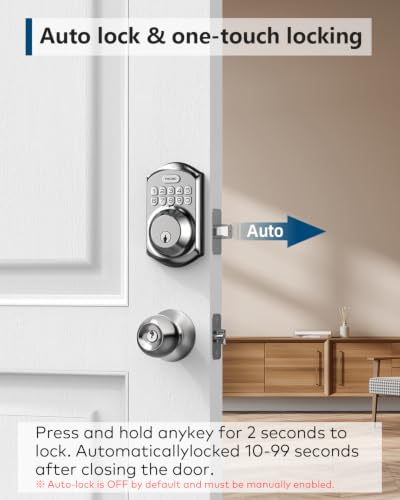
- Simplify the entry method. Choose one reliable way to enter, such as a 4 to 6 digit code that is easy to remember, and avoid switching between fingerprint, fob, and code on the same day. Enable one touch lock or auto lock with a clear visual timeout, so the senior can press and hold a key and see the lock respond without waiting for a tone.
- Create a routine for battery and status checks. Since low battery beeps are often missed, check the app battery level weekly and look for the red low battery indicator light on the lock itself. Keep backup keys in a known, accessible place and show the senior how the emergency power port works if the lock includes one, so a dead battery does not become a lockout.
After you make a change, try it together a few times during the day. Watch the light, feel the keypad response, and check the phone alert at the same time.
Keep the setup consistent and write down the code and light meanings where the senior can easily review them. Consistency often helps more than adding more features.
When a Product Can Help
If settings changes are not enough, a product that emphasizes visual and simple tactile feedback may help reduce confusion. Look for a keypad with a bright backlight, a clear low battery indicator light, and one touch locking that you can see and feel, rather than a lock that relies mainly on sound.
A keypad deadbolt with straightforward code management can keep the routine simple for a senior who benefits from a consistent code and a clear visual signal.
This guide contains affiliate links, and we may earn a commission if you buy through them, at no extra cost to you.
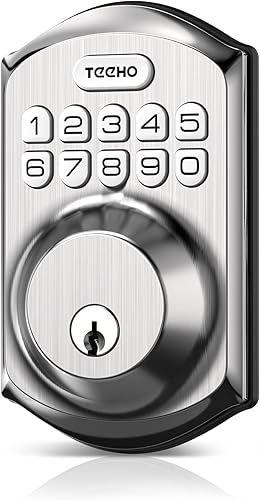
TEEHO TE001 Keyless Entry Keypad Deadbolt




As an Amazon Associate we earn from qualifying purchases. Product prices and availability are accurate as of the date/time indicated.
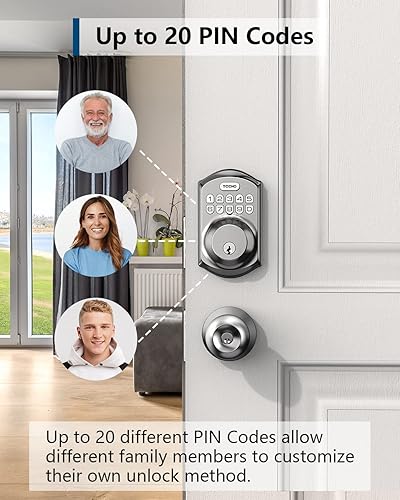
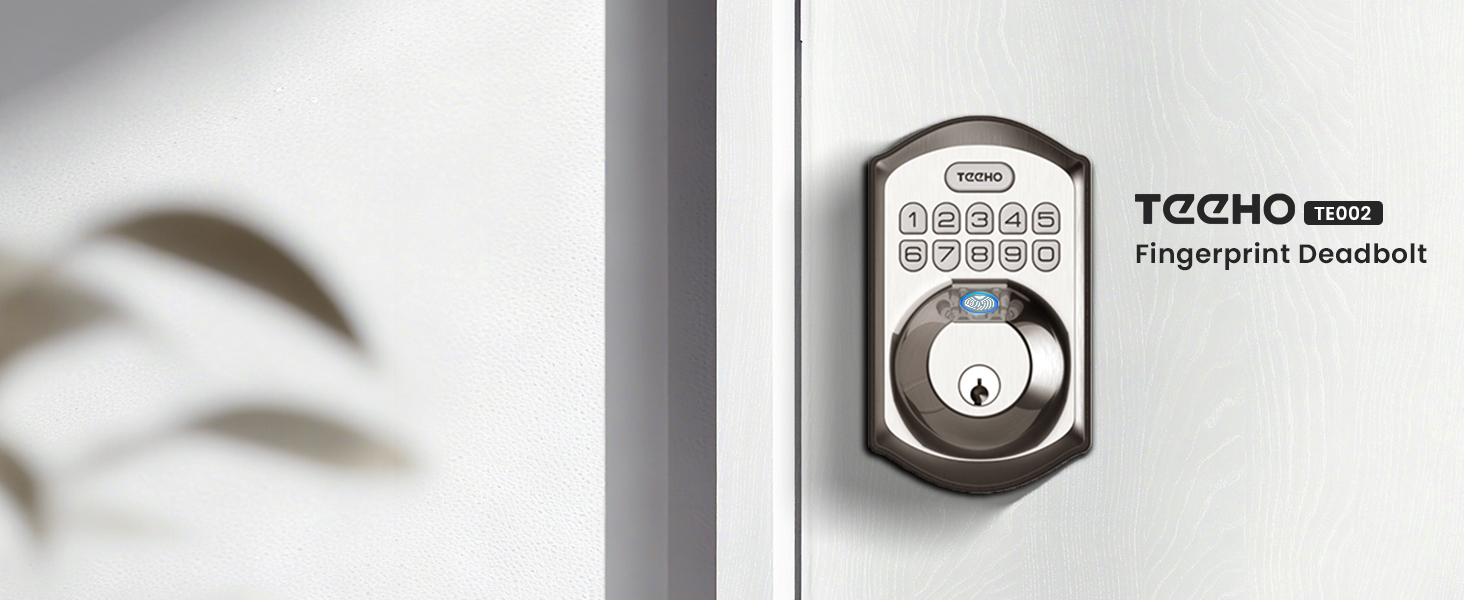
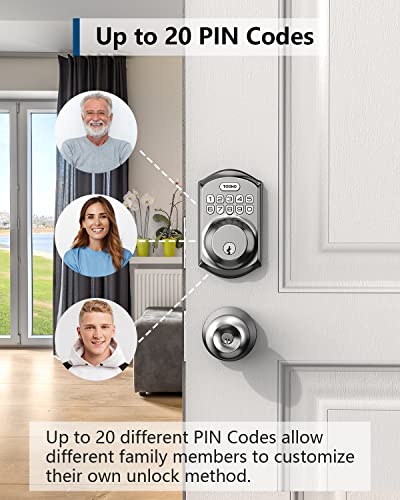
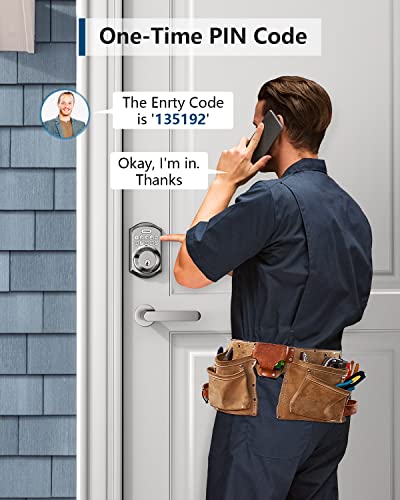
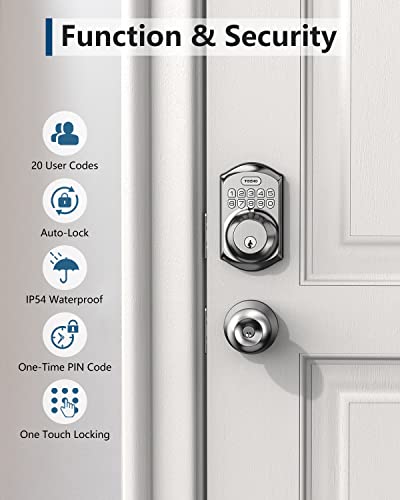
One practical option is the TEEHO TE001 Keyless Entry Deadbolt with Keypad, which offers 20 access codes for family use plus a temporary code for guests, one touch auto lock by pressing and holding any key, and an automatic lock that can be set from 10 to 99 seconds.
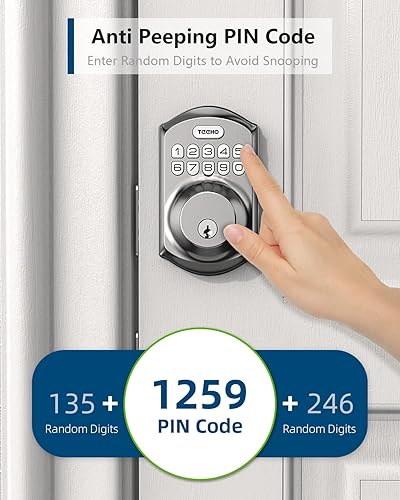
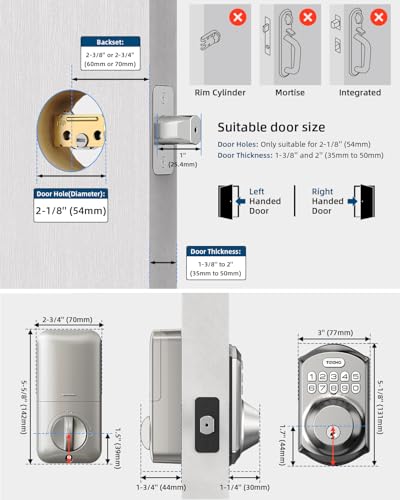
It also provides a red light indicator when battery level drops below 15 percent, anti peep password protection, IP54 weather resistance, and sturdy aluminum alloy construction. It is powered by 4 AA batteries and is designed for straightforward installation with a screwdriver on standard doors with a 2-1/8 inch hole, which may help keep daily use predictable.
For broader home awareness, you can pair a keypad lock with visual alert tools in Smart Alerts & Monitoring so caregivers receive phone alerts when the door is used, which adds a layer of confirmation that does not depend on hearing.
When to Talk to a Professional Instead
A lock adjustment is not the right answer for every situation. If hearing loss is changing quickly, if the senior is missing other important sounds at home, or if there are concerns about balance or safe entry and exit, talk with a healthcare provider or audiologist.
They can help assess whether hearing support, a different alert system, or a home safety evaluation would be more appropriate than changing lock settings alone.
This type of keypad deadbolt is not ideal for seniors who have significant low vision that makes seeing a small LED or keypad numbers difficult, or for doors that are not standard size and may not support a stable install.
It is also not a good fit if the senior cannot reliably remember a code and does not have a caregiver to help manage access, in those cases a different entry approach or in person support may be safer.
If the door itself is sticking, the deadbolt does not align well, or the senior must use extra force to operate it, ask a qualified locksmith or a physical therapist for guidance on door fit and hand strength. Do not force a misaligned lock, as that can create a safety issue.
Frequently Asked Questions
Why does my senior keep missing the lock confirmation beep?
Many locks use a short, high pitched beep that is easy to miss with age related hearing loss or when hearing aids are not in use. Try enabling the visual indicator and phone notification for the same event, so confirmation comes as a light and a message rather than sound alone.
Can I make a smart lock work without sound at all?
Yes, in many cases you can. You can enable silent mode, rely on the keypad backlight and LED flash for feedback, and use app alerts that vibrate or show on screen. Check the lock app for silent mode and notification settings, and confirm the lock still shows a clear visual signal when it locks or unlocks.
What if my senior wears hearing aids and still cannot hear the lock?
Hearing aids may not pick up soft or brief tones, especially with background noise. Focus on visual and tactile options like a backlit keypad, a one touch lock press you can feel, and phone or watch alerts that vibrate. If hearing remains a barrier for safety cues at home, consider asking an audiologist about assistive alerting options.
Browse more picks in our Smart Locks & Entry category, or see our related guide on Package Delivery Boxes for Hearing Loss in 2026.






Write Your Review
No reviews yet. Be the first to share your experience!