

Quick Answer
If a keyless door lock feels unstable for an elderly user, check the mounting screws and interior plate first, then check the batteries and door alignment. A lock that wobbles, sticks, or needs extra force is often loose on the door or running on low power, not broken, and tightening the screws and replacing batteries may help reduce the risk of a lock failure.
Why This Happens
A common reason a keyless lock feels unstable is loose installation hardware. Daily use, door slamming, and seasonal wood expansion can loosen the screws that hold the exterior keypad and interior assembly together, so the whole unit shifts when you push the handle or enter a code.
Low battery power is another frequent cause. When batteries drop below a threshold, the motor may sound weak, the keypad may dim, or the latch may not fully extend or retract, which can feel like the lock is unreliable to an older adult who needs consistent feedback.
Misalignment between the latch and the strike plate on the door frame can also make a keyless lock feel stiff or wobbly. If the door has sagged slightly or the weatherstripping is thick, the latch may rub or catch, so the user has to push, pull, or lift the door to get it to lock, which adds strain and uncertainty.
Finally, the lock design itself may not match the person or the door. A keypad that is hard to read, buttons that need firm presses, or a handle that requires tight gripping can feel unstable for an elderly user with low vision or limited hand strength, even if the lock is mechanically sound. For related entry concerns, you may find smart locks for seniors with low vision helpful for comparing visibility features.
Practical Steps to Try
- Check and tighten the mounting assembly. With the door open, hold the exterior keypad steady and try to wiggle the interior plate. If it moves, try tightening the two main mounting screws evenly with a screwdriver until snug, without overtightening. Also check the handle or knob set screws and the strike plate screws on the frame, as loose plates can mimic a wobbly lock.
- Check batteries and low battery signals. Replace all four AA batteries at once with fresh alkaline batteries, even if the keypad still lights up. Look for a red flashing light or low battery alert, clean any corrosion from the contacts, and confirm the battery orientation is correct. After changing batteries, try several lock and unlock cycles with the door open to confirm smooth operation.
- Check door alignment and latch movement. With the door open, extend and retract the deadbolt or latch using the keypad and the interior thumb turn. It should move freely. Then close the door slowly and watch where the latch meets the strike plate. If it rubs or misses, try tightening the hinge screws or adjusting the strike plate position slightly so the latch centers without forcing the door.
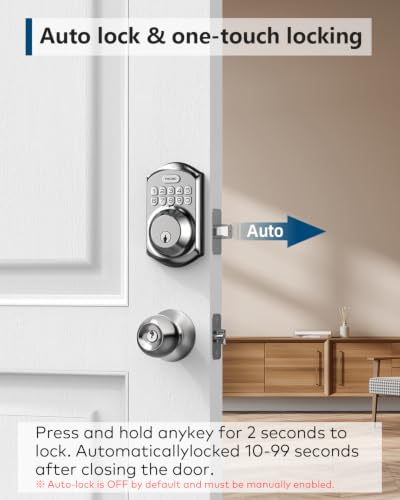
- Check ease of use for the older adult. Watch how your family member enters the code. Try adjusting backlight settings if available, choosing a code that is easy to remember but not obvious, and enabling one touch locking if pressing many buttons is tiring. If the door requires lifting or strong pushing to lock, consider adding a simple lever handle or addressing door sag first, as no keypad will feel stable if the door itself is hard to operate. You can compare handle styles in best smart lock for seniors with knee replacement for ideas on reducing bending and force.
- Reset and reprogram only after mechanical checks. Many keyless locks recommend a reset before first use to learn door handing, and a reset can also clear code entry glitches. If you try this, follow the manual instructions closely, re-add user codes one at a time, and keep a backup key accessible for the caregiver. If problems continue after these steps, document what happens, when it happens, and whether it occurs with the door open or closed.
When a Product Can Help
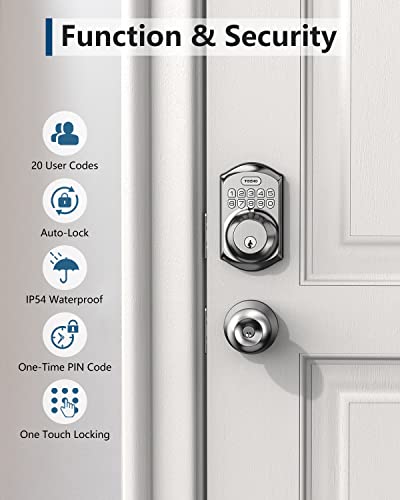
A product change is worth considering when the current lock remains wobbly after tightening, the keypad is hard to see or press, or your family member needs simpler code management for caregivers and guests. One common option is to choose a keypad deadbolt with a sturdy aluminum alloy build, clear backlit keys, and straightforward code programming that does not require an app or Wi-Fi, which can be easier for daily use.
This guide contains affiliate links, and we may earn a commission if you buy through them, at no extra cost to you.
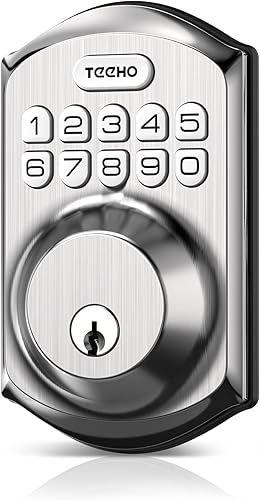
TEEHO TE001 Keyless Entry Keypad Deadbolt




As an Amazon Associate we earn from qualifying purchases. Product prices and availability are accurate as of the date/time indicated.
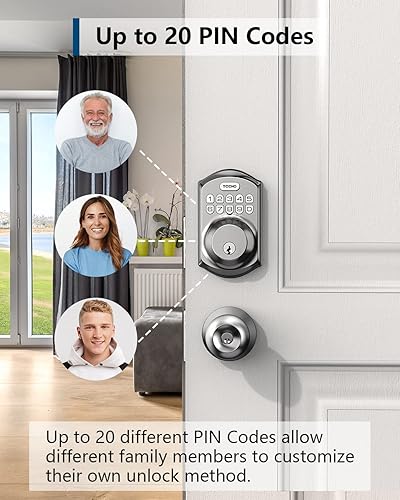
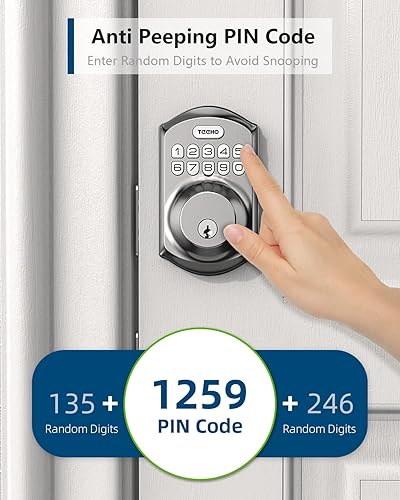
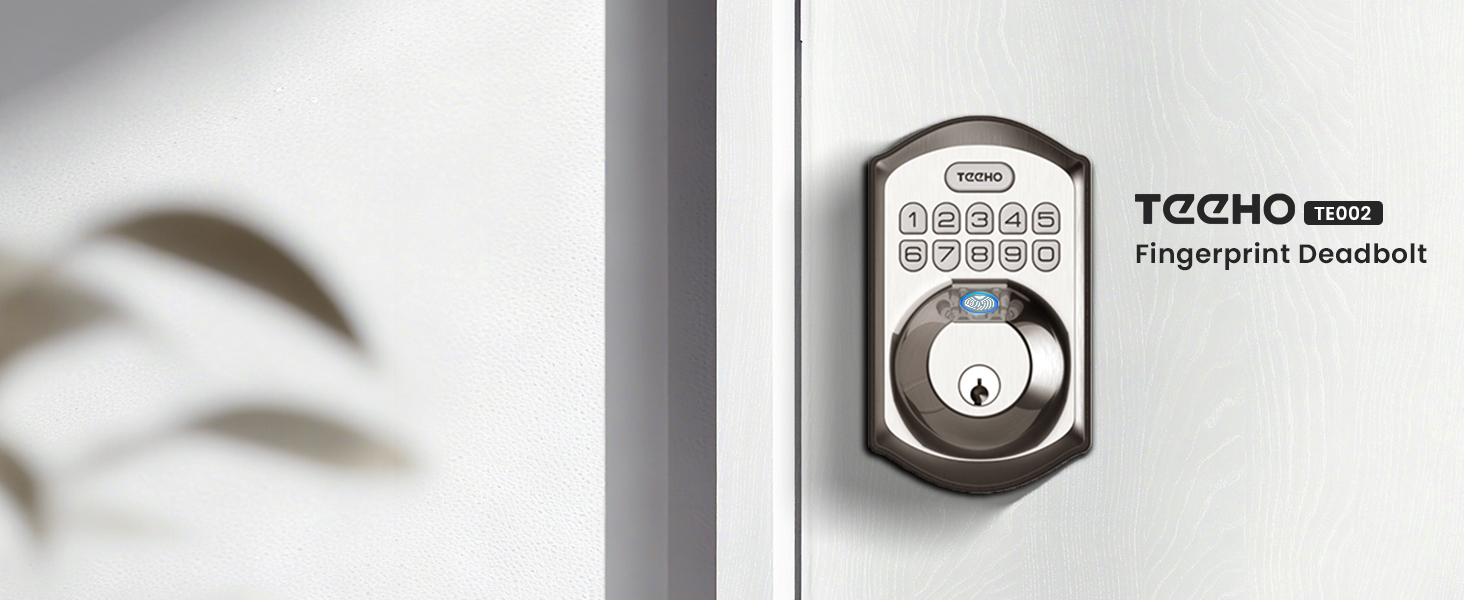
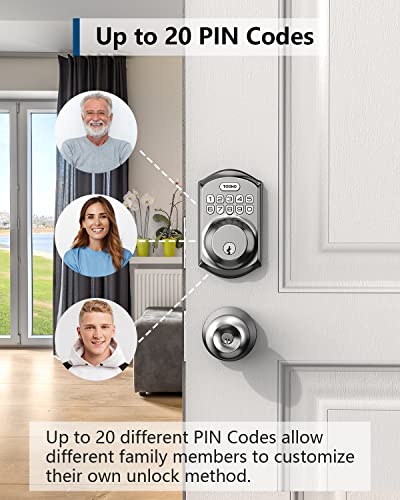
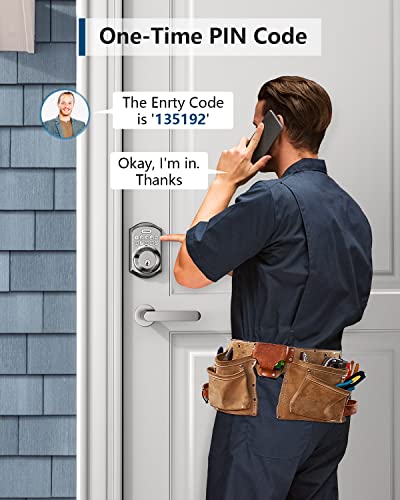
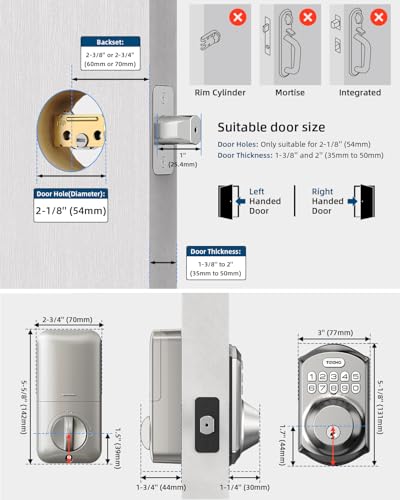
If you decide to explore a replacement, the Smart Locks & Entry category offers additional context on features like auto lock timing, one touch locking, anti peep code protection, and low battery indicators. The TEEHO TE001 Keyless Entry Deadbolt with Keypad, for example, is described as supporting up to 20 user codes plus a one time code for guests, with an IP54 weather resistance rating and an ANSI Grade 3 rating, and it is designed to install with just a screwdriver on standard 2-1/8 inch door holes. Those attributes may help reduce confusion for an elderly user who benefits from a simple, consistent keypad experience.
When to Talk to a Professional Instead
This type of wobble is not ideal for a quick home fix alone if the door itself is damaged, the frame is cracked, the deadbolt hole is misdrilled, or the door has dropped significantly on its hinges. In those cases, a locksmith or qualified door installer can assess alignment, bore size, and security more accurately than repeated tightening.
This approach is also not a good fit if your family member has had recent changes in balance, grip strength, vision, or memory that make any keypad feel unsafe or confusing. If you notice increased difficulty, hesitation at the door, or worry about getting locked out, talk with a physician, occupational therapist, or other healthcare provider about whether the entry setup matches their current abilities, and consider a professional home safety evaluation.
For broader home safety planning, you might also review best smart doorbell with large display for stroke recovery if visibility and visitor identification are part of the concern, as entry confidence often involves more than the lock alone.
Frequently Asked Questions
Why does our keyless lock feel loose even though the screws look tight?
The screws may be tight but not evenly seated, or the interior and exterior plates may be misaligned. Try loosening both mounting screws, aligning the two halves squarely on the door, then retightening gradually and evenly while holding the keypad straight.
Can low batteries make a keyless lock feel unstable?
Yes. Low power can cause slow or incomplete latch movement, dim backlighting, and inconsistent beeps, which can feel unreliable. Try fresh batteries, check for a low battery indicator, and operate the lock several times with the door open to confirm smooth action.
When should we replace the lock instead of adjusting it?
Consider a replacement if the lock still wobbles after proper tightening, the latch consistently rubs after hinge and strike plate checks, or the keypad remains hard for the elderly user to see and operate. A simpler keypad deadbolt with clear lighting and easy code management may be a more supportive next step.
Browse more picks in our Smart Locks & Entry category, or see our related guide on Package Delivery Boxes for Hearing Loss in 2026.





Write Your Review
No reviews yet. Be the first to share your experience!