

Quick Answer
If your smart lock for seniors not working well for a senior with Parkinson’s, the most common reason is the lock requires steady, precise input like a fingerprint scan or small touchscreen presses that are hard with tremor or stiffness. Try switching to a simple 4 to 6 digit code, enabling auto-lock and one-touch locking, and giving a family caregiver remote code management so the senior does not have to fumble at the door.
Why This Happens
Fingerprint readers often need a steady, centered press for a second or more. With Parkinson’s related tremor, rigidity, or slower movement, the finger may shift, press too lightly, or lift too soon, so the lock does not recognize it and the senior has to try again.
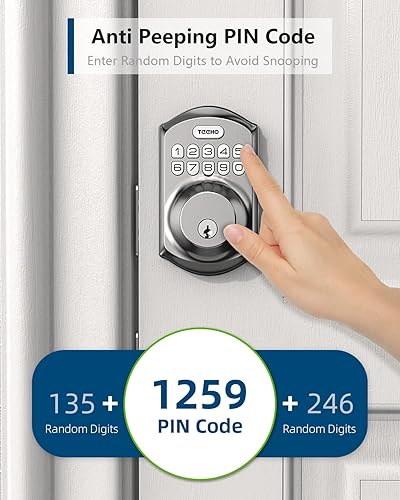
Small, flat keypad buttons or crowded touchscreens can also be difficult. Tremor can cause double presses or missed presses, and many locks time out quickly if a code is not entered fast enough. Features like anti-peep codes are useful for security but can add extra steps that feel confusing under pressure at the front door.
Other common factors include lock placement that is hard to reach, low batteries that make the keypad dim or slow to respond, and a door that needs to be pushed or pulled firmly to latch. Any of these can make a lock feel unreliable even when the electronics are fine.
Always check with a healthcare provider, physician, or occupational therapist before making safety changes for a senior with Parkinson’s in your care, especially if balance, freezing, or falls near the entry are a concern. They can suggest home adjustments that match the person’s current abilities.
Practical Steps to Try
- Switch to a simple code instead of fingerprint. Choose a short, memorable 4 to 6 digit code and avoid fingerprint-only unlocking for daily use. A physical keypad with raised, well spaced buttons is often easier than a smooth touchscreen for hands with tremor, and you can store a backup code for a caregiver. See ideas for easier visibility in smart locks for seniors with low vision that also help with button clarity.
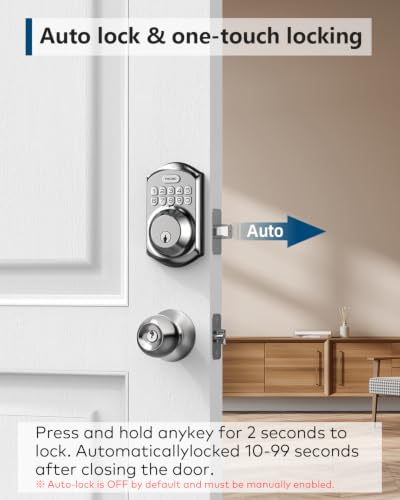
- Enable auto-lock and one-touch lock. If the senior worries about forgetting to lock up, set the automatic lock to 30 seconds or so and show them how to lock by pressing and holding any key for 2 seconds. This removes the need to enter a code when leaving and may help reduce the risk of an unlocked door.
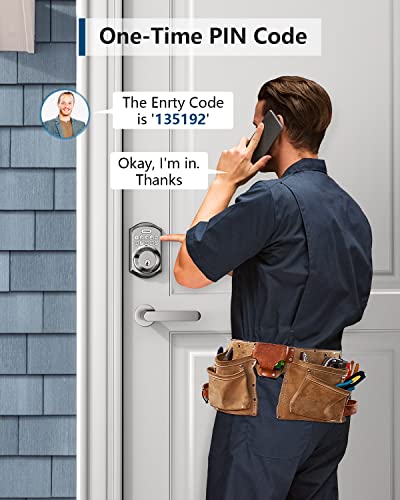
- Set up caregiver support and temporary codes. Create separate codes for family, aides, or cleaners, and use one-time or scheduled codes for visitors. Remote management through an app lets a caregiver add or remove codes without the senior having to program the lock at the door.
- Make the keypad easier to use at the door. Add good lighting over the entry, place a small shelf or table nearby so bags can be set down, and ensure the senior can stand steady while entering a code. If balance is an issue, consider a nearby handrail or wall support, and review entry comfort tips in best smart lock for seniors with knee replacement for stable positioning.
- Check power, fit, and reset. Replace batteries when the low battery indicator appears, confirm the door latches without pushing hard, and follow the manual to reset the lock so it correctly detects left or right handed door direction. A quick reset often resolves keypad lag or auto-lock issues without replacing hardware.
When a Product Can Help
A product change is worth considering when adjustments do not solve the core problem, such as a fingerprint-only lock that keeps failing or a touchscreen that is too sensitive for tremor. In that case, one common option is a keypad deadbolt with large physical buttons, multiple user codes, temporary codes for guests, and simple one-touch and timed auto-lock, which relies on listed features rather than precise finger placement.
This guide contains affiliate links, and we may earn a commission if you buy through them, at no extra cost to you.
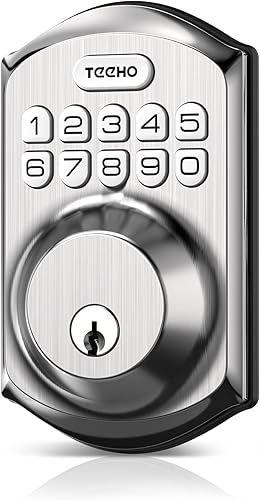
TEEHO TE001 Keyless Entry Keypad Deadbolt




As an Amazon Associate we earn from qualifying purchases. Product prices and availability are accurate as of the date/time indicated.
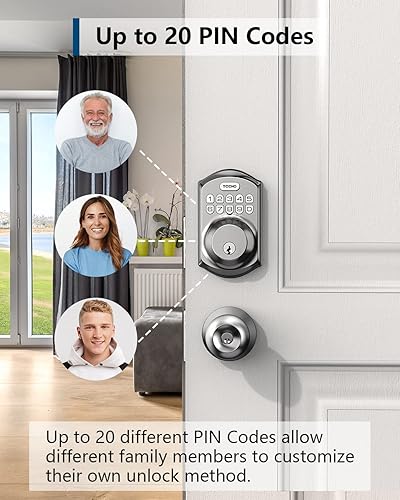
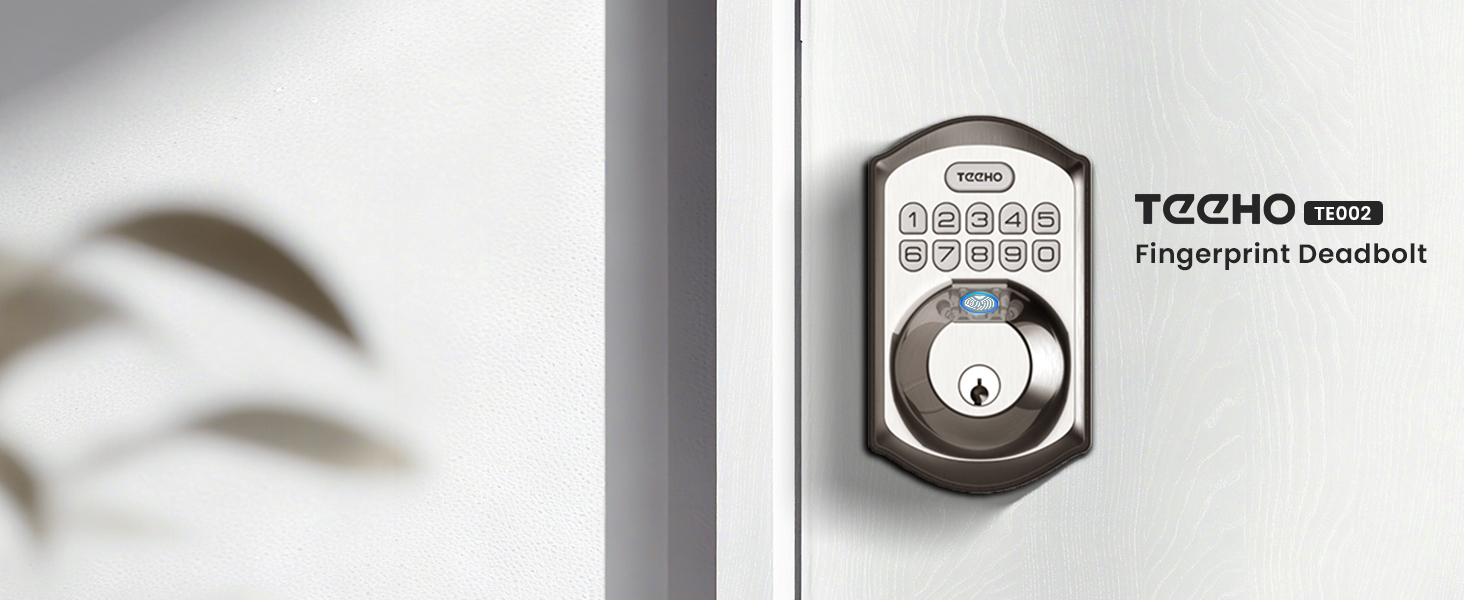
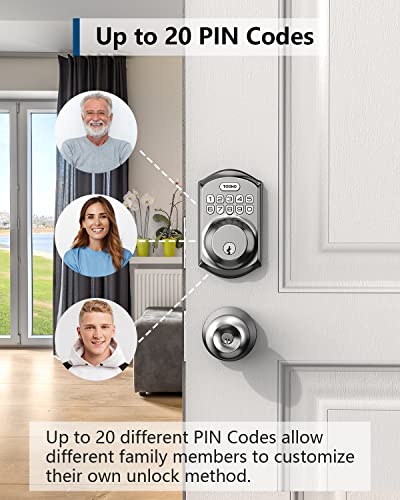
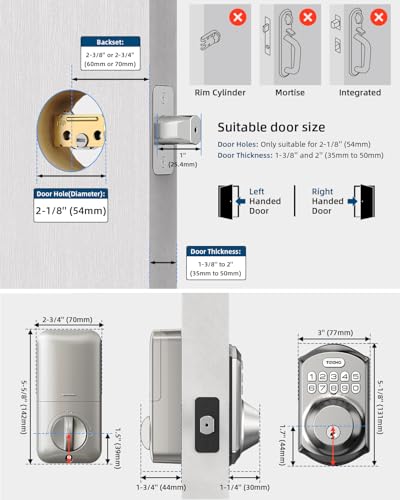
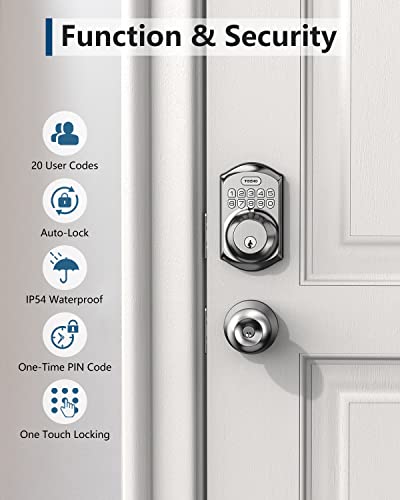
The TEEHO TE001 Keyless Entry Deadbolt with Keypad, for example, is described as offering up to 20 access codes plus a one-time code, auto-lock from 10 to 99 seconds, one-touch locking by holding any key, anti-peep code protection, and a low battery indicator, with installation using a screwdriver for standard 2-1/8 inch door holes. For some households this type of keypad approach may help reduce daily friction at the door compared to fingerprint-dependent models. You can also browse more options in the Smart Locks & Entry category.
When to Talk to a Professional Instead
A lock adjustment is not a good fit when the senior is falling at the entry, experiencing freezing of gait, or feeling unsafe standing at the door to enter a code. If tremor, stiffness, or balance changes are getting worse, or if the person is getting locked out frequently and becoming distressed, pause home fixes and talk with a physician, physical therapist, or occupational therapist.
This product also is not ideal for doors that are warped, misaligned, or require heavy pushing to latch, and it is not the right choice if the senior cannot safely manage any code entry even with caregiver help. A professional can evaluate the entry as a whole, including lighting, threshold height, hand support, and whether a different access method or supervised entry plan is safer.
Frequently Asked Questions
Why does the fingerprint lock fail more often for a senior with Parkinson’s?
Fingerprint sensors need a steady, centered touch and consistent pressure. Tremor, dry skin, or slight movement can cause a misread, so a code based keypad often requires less precision and may be more reliable for daily use.
What keypad features help most with tremor?
Look for larger, tactile buttons with good contrast, a simple code without extra steps, and supportive features like auto-lock and one-touch locking. The ability to create and delete codes remotely also lets a caregiver help without the senior reprogramming the lock.
Should we keep a physical key as backup?
Yes, keeping two backup keys in separate, secure places is wise. Store one with a trusted family member or neighbor and one in a lockbox if appropriate, so a low battery or forgotten code does not leave the senior stranded outside.
Browse more picks in our Smart Locks & Entry category, or see our related guide on Package Delivery Boxes for Hearing Loss in 2026.


Write Your Review
No reviews yet. Be the first to share your experience!