

Quick Answer
If your smart lock for seniors is not working well for a senior who uses a wheelchair, the most common cause is reach and usability, not a broken lock. Check the keypad height, the way the code is entered, and the auto-lock timing before you replace anything. A lower, easier to see keypad with simple codes and a longer auto-lock delay often helps a seated user operate the door more comfortably.
Why This Happens
Most smart locks are installed at standard standing height, which can put the keypad or fingerprint reader too high or at an awkward angle for someone seated in a wheelchair. If the senior has to reach up, lean forward, or twist to see the numbers, codes are harder to enter and the lock may seem unresponsive.
Always check with a healthcare provider or occupational therapist before making mobility changes for a senior in your care, especially when door access affects safety and daily independence. They can advise on safe reach ranges and whether a different handle or lock position is needed.
Entry method matters too. Fingerprint readers can be sensitive to hand position, dry skin, or limited finger strength, while small or dim keypads can be hard to see from a seated position. A lock that requires a precise touch or a fast code entry may feel unreliable even when it is working as designed.
Other common issues include auto-lock that engages too quickly, low batteries that cause delayed response, and door alignment that makes the deadbolt stick. If the door needs a firm push or pull while turning the lock, a wheelchair user who cannot brace easily may not be able to operate it smoothly. You can find more ideas for easier entry in related guides like smart locks for seniors with low vision.
Practical Steps to Try
- Check height, angle, and approach. Sit in the wheelchair at the door and see if the keypad is within comfortable forward reach without leaning or lifting the shoulder. If the lock is mounted high, consider having a qualified installer lower it to a more accessible height or add a lever handle below that is easier to operate from a seated position.
- Simplify how the door is unlocked. Try a short, memorable 4 to 6 digit code instead of a long one, and enable a backlit keypad for low light. If the current lock relies on fingerprint only, try adding a code as a backup, since codes do not depend on finger placement or skin condition. For households that need extra visibility, a guide like best smart lock for seniors with knee replacement offers useful ideas on simple keypad use that also apply to seated users.
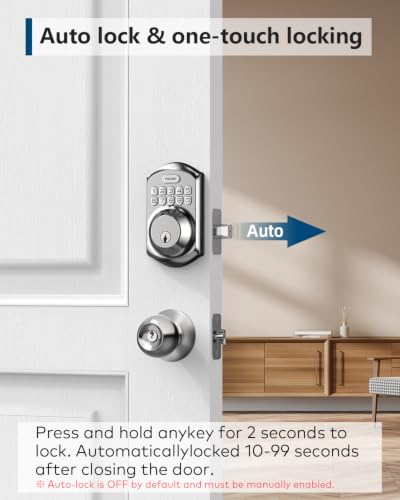
- Adjust auto-lock and sound settings. Many keypad locks allow you to set auto-lock to 10 to 99 seconds or turn it off, and to use one-touch locking by holding a key. Try a longer delay so the senior has time to clear the doorway in the wheelchair before the lock engages, and turn on audible or visual feedback if available so they know the code was accepted.
- Check power and door mechanics. Replace batteries if you see a low battery indicator or slow response, and check that the door closes and latches without needing extra force. Tighten loose mounting screws, clean the keypad, and make sure the deadbolt extends and retracts smoothly when the door is open. If it sticks only when closed, the door or strike plate may need adjustment by a professional.
- Make the whole entry easier, not just the lock. Keep the threshold clear, ensure there is level space to maneuver the wheelchair in front of the door, and consider a temporary code for caregivers so the senior does not need to rush to the door. A wireless doorbell or phone alert can also reduce pressure to answer quickly. You can explore broader entry options in the Smart Locks & Entry category.
When a Product Can Help
If adjustments do not make the current lock comfortable to use from a wheelchair, a simple keypad deadbolt with easy code management can be a practical next step. This is most helpful when the main problem is complex operation, hard to see numbers, or lack of temporary codes for helpers.
This guide contains affiliate links, and we may earn a commission if you buy through them, at no extra cost to you.
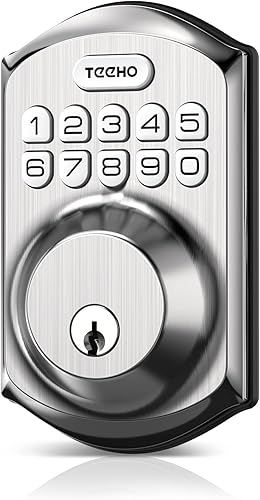
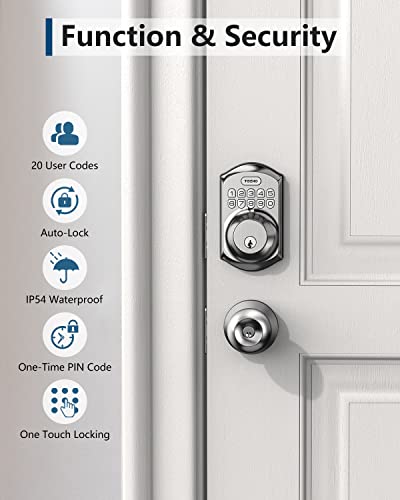
TEEHO TE001 Keyless Entry Keypad Deadbolt




As an Amazon Associate we earn from qualifying purchases. Product prices and availability are accurate as of the date/time indicated.
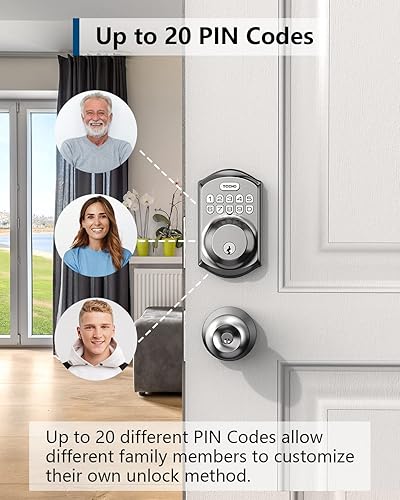
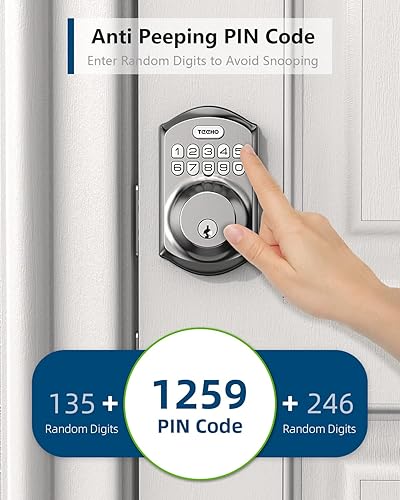
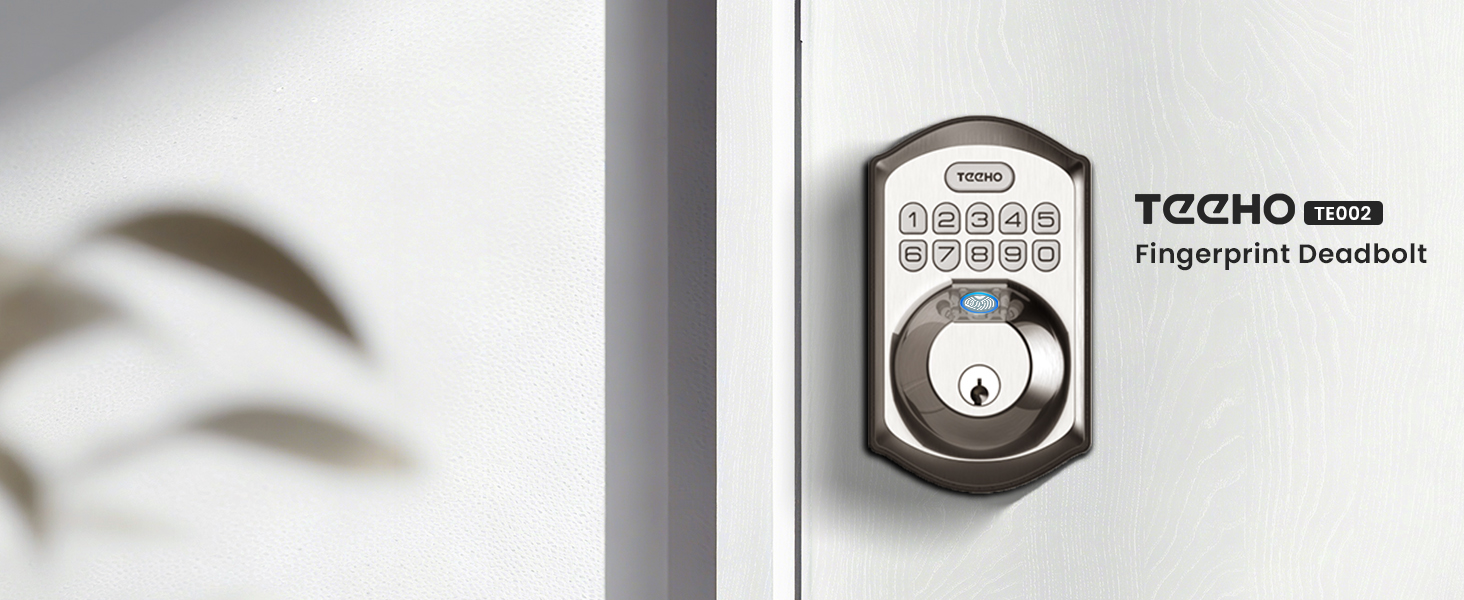
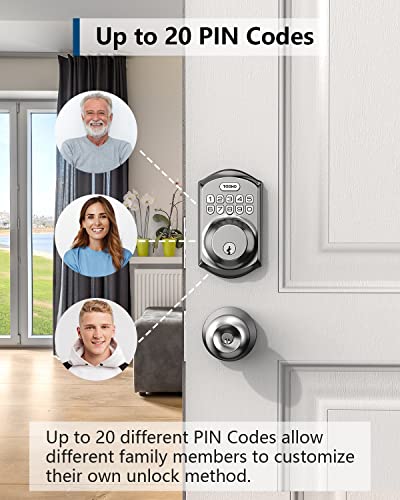
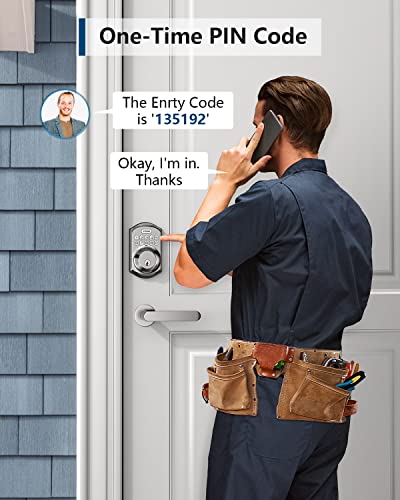
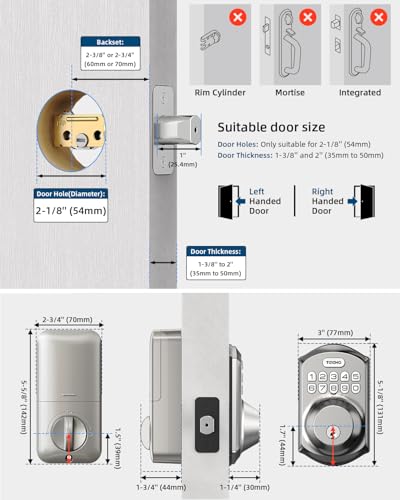
One common option is the TEEHO TE001 Keyless Entry Deadbolt with Keypad, which offers up to 20 access codes plus a one-time code for guests, one-touch locking, and an automatic lock that can be set from 10 to 99 seconds. According to its specifications, it includes a low battery indicator, anti-peep password protection, IP54 weather resistance, and installation with just a screwdriver for standard 2-1/8 inch door holes. For a senior who uses a wheelchair, the backlit keypad and simple code entry may help reduce the need for precise finger placement or carrying keys.
When to Talk to a Professional Instead
This type of keypad deadbolt is not ideal for every home or every wheelchair setup. If the door is unusually heavy, the threshold is raised, or the senior cannot reach the deadbolt height even with adjustments, a different hardware style or door modification may be needed instead of a standard keypad deadbolt.
Talk to a healthcare provider, occupational therapist, or physical therapist if the senior is experiencing new weakness, balance changes, or difficulty maneuvering the wheelchair at the entry. They can assess reach, grip, and safe transfer space and recommend changes that support independence without adding risk.
Also contact a locksmith or qualified installer if the deadbolt sticks, the door drags, or you are considering moving the lock lower or changing the door hardware. A professional can confirm the door thickness, backset, and bore hole are compatible and that the lock aligns correctly, which may help reduce strain and improve reliability.
Frequently Asked Questions
Why is the smart lock hard to use from a wheelchair even though it works for others?
Height and angle are often the reason. A keypad placed for standing use can be too high or tilted away from a seated user, which makes it harder to see and press accurately. Try evaluating reach from the wheelchair and adjusting code length, lighting, and auto-lock timing first.
Should we use fingerprint or code for a senior wheelchair user?
Many caregivers find that a short code is more consistent for seniors with limited hand strength or dry skin, since fingerprint readers depend on exact placement. Try adding a code as the primary method and keeping fingerprint or key as a backup if your lock supports multiple ways to unlock.
What if the door auto-locks before the senior gets inside?
Try extending the auto-lock delay or turning auto-lock off and using one-touch lock when ready. Check the lock settings for a 10 to 99 second range or similar, and make sure there is clear floor space so the wheelchair can move through without rushing. If timing is still an issue, ask an installer about alternative configurations that fit the user’s pace.
Browse more picks in our Smart Locks & Entry category, or see our related guide on Package Delivery Boxes for Hearing Loss in 2026.






Write Your Review
No reviews yet. Be the first to share your experience!